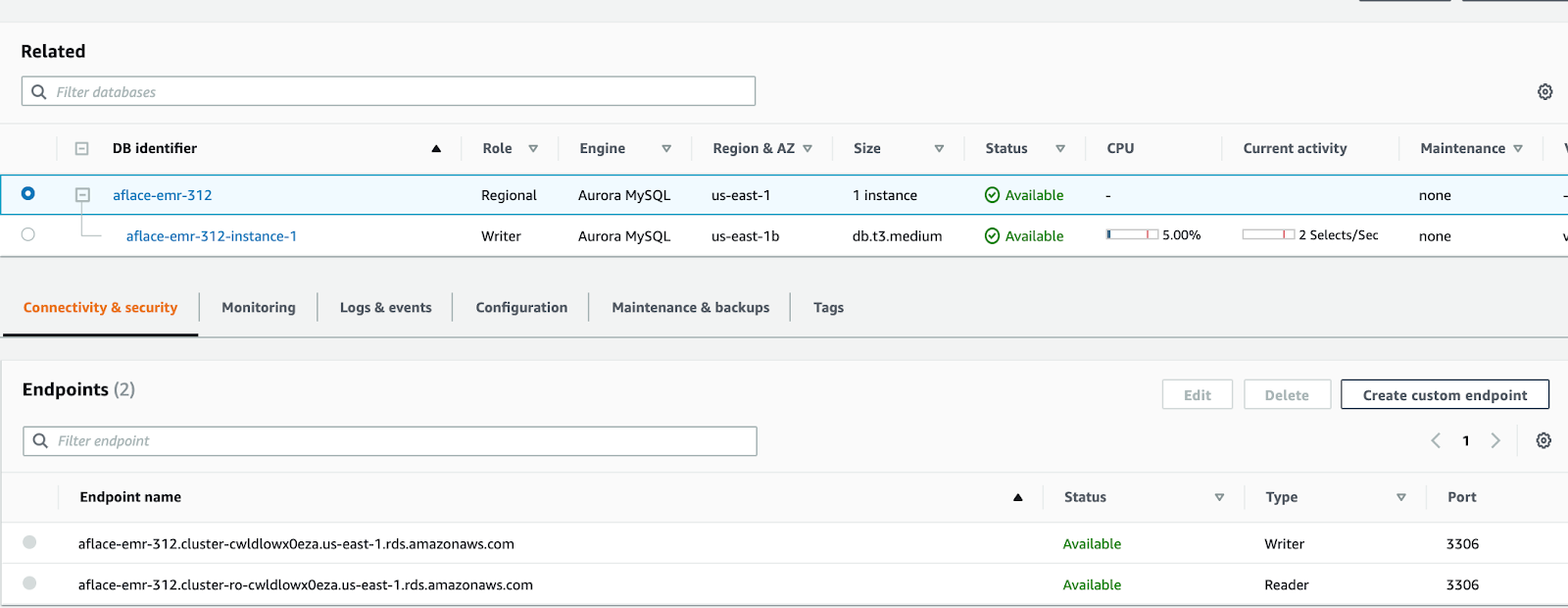
Login to AWS console and navigate to RDS.
Click the Create Database button.
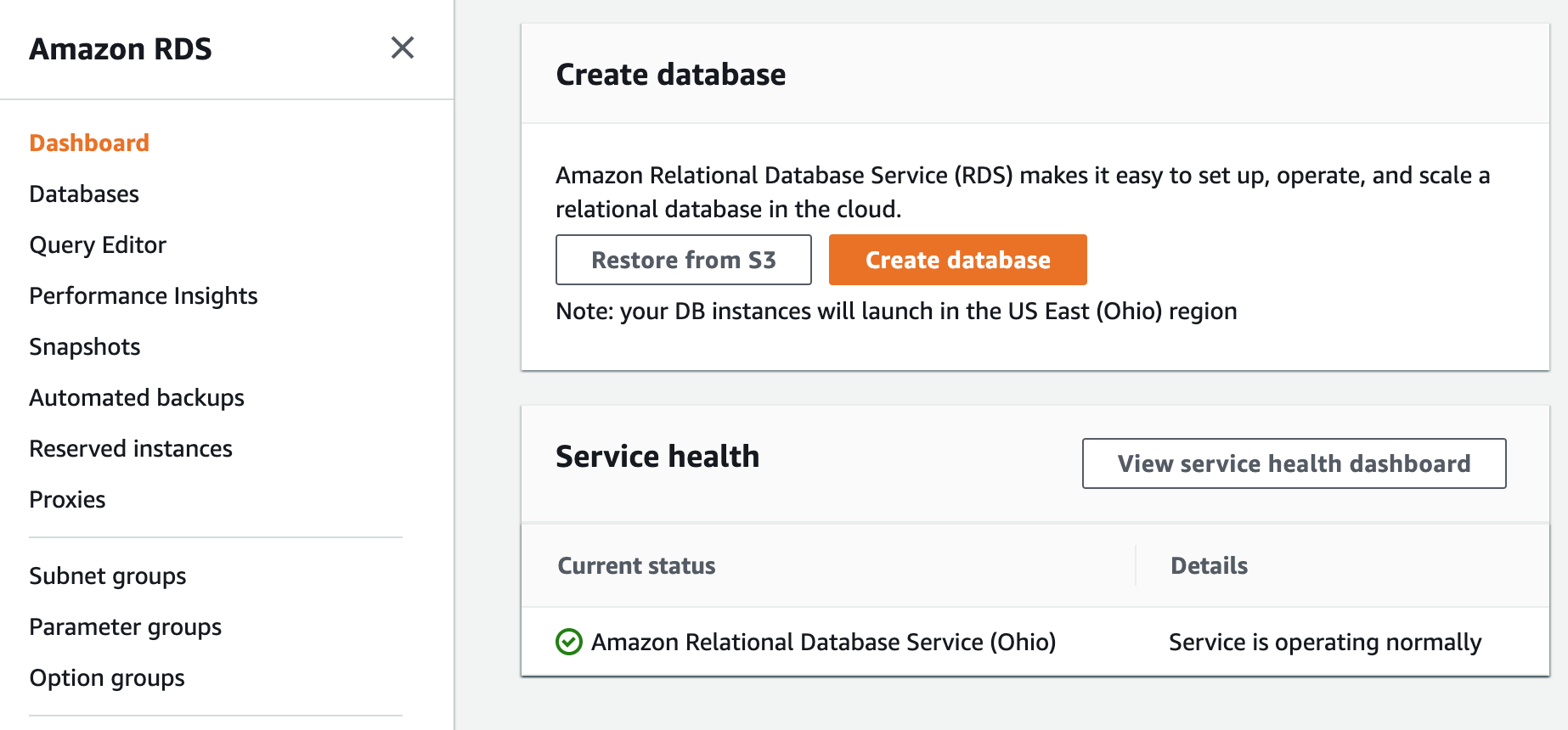
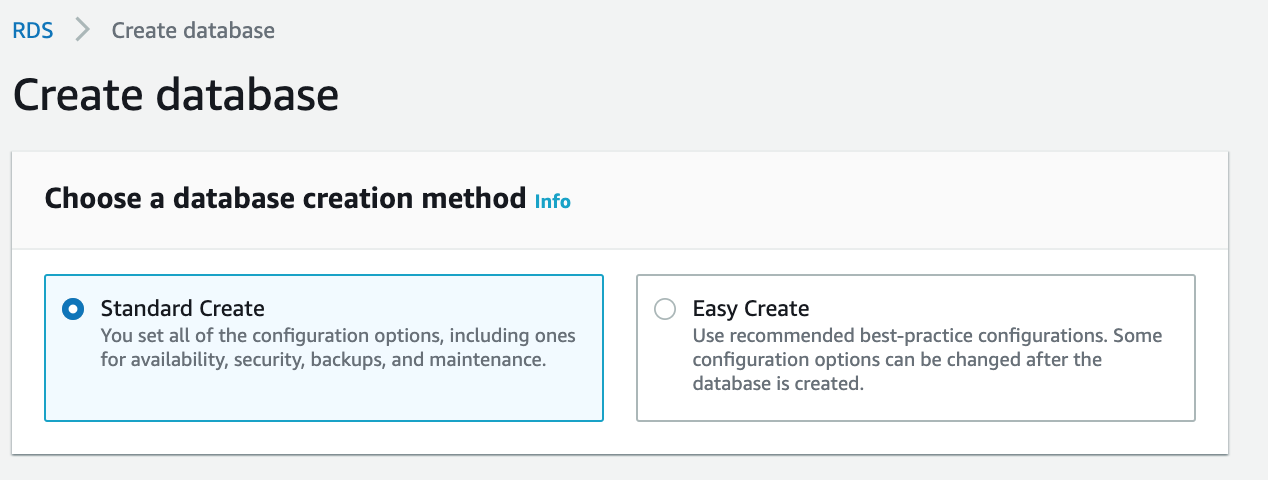
Select the Database Creation Method as Standard Create and select the Engine Option as Amazon Aurora.
Retain the default options as displayed in the following image:

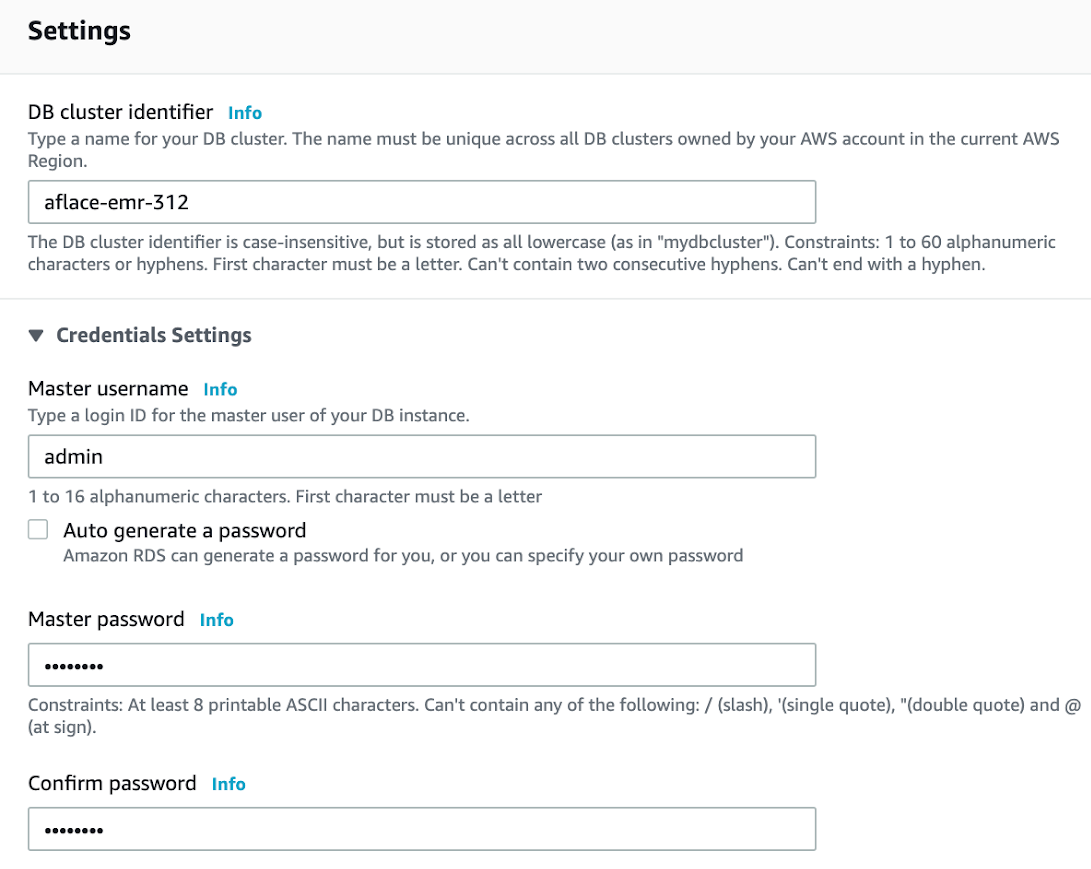
In the Settings tab, configure the database name, username, and password.
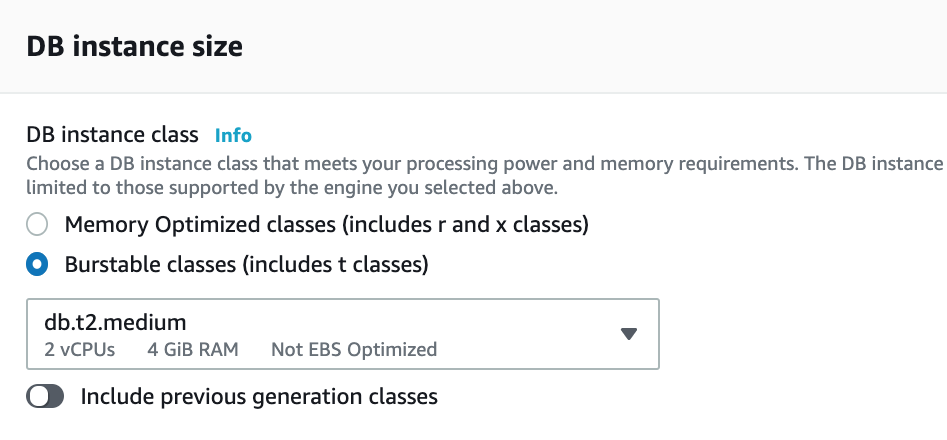
Select the instance type.
Select the Availability and Durability.

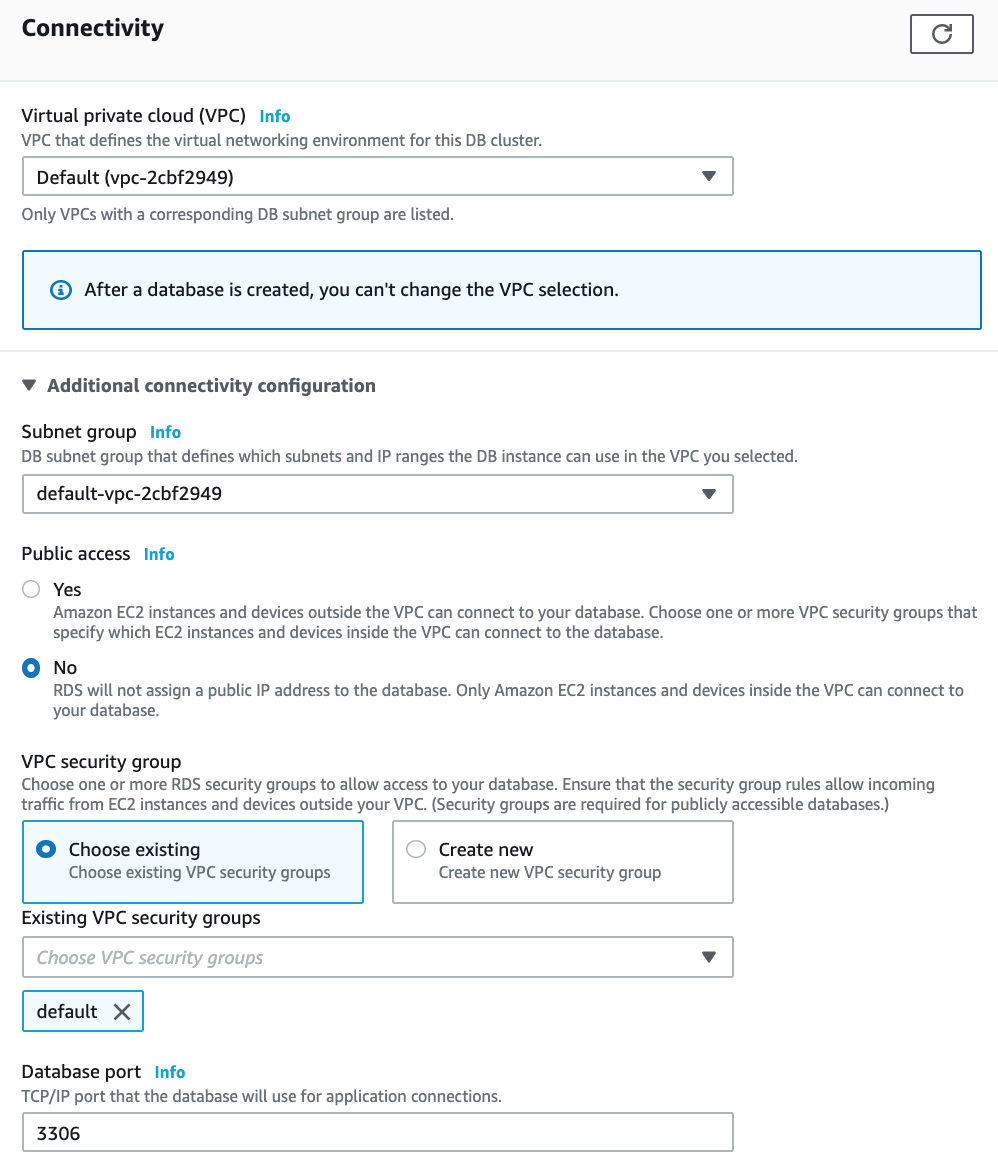
Select the connectivity details.
NOTE Ensure to select a Security Group which has PORT whitelisted to EMR Cluster and Edge nodes.
NOTE Save the Writer Endpoint name for further use, while creating the EMR cluster.