Title
Message
Create new category
What is the title of your new category?
Edit page index title
What is the title of the page index?
Edit category
What is the new title of your category?
Edit link
What is the new title and URL of your link?
Introduction
Copy Markdown
Open in ChatGPT
Open in Claude
Users with Admin access can view the admin options in Infoworks. This section provides the details on how to manage users, sources, and domains.
It also describes the admin options like,
- Service Management
- Job Search
- Job Queue
- Notifications
- Reset Locked Entities
Notifications
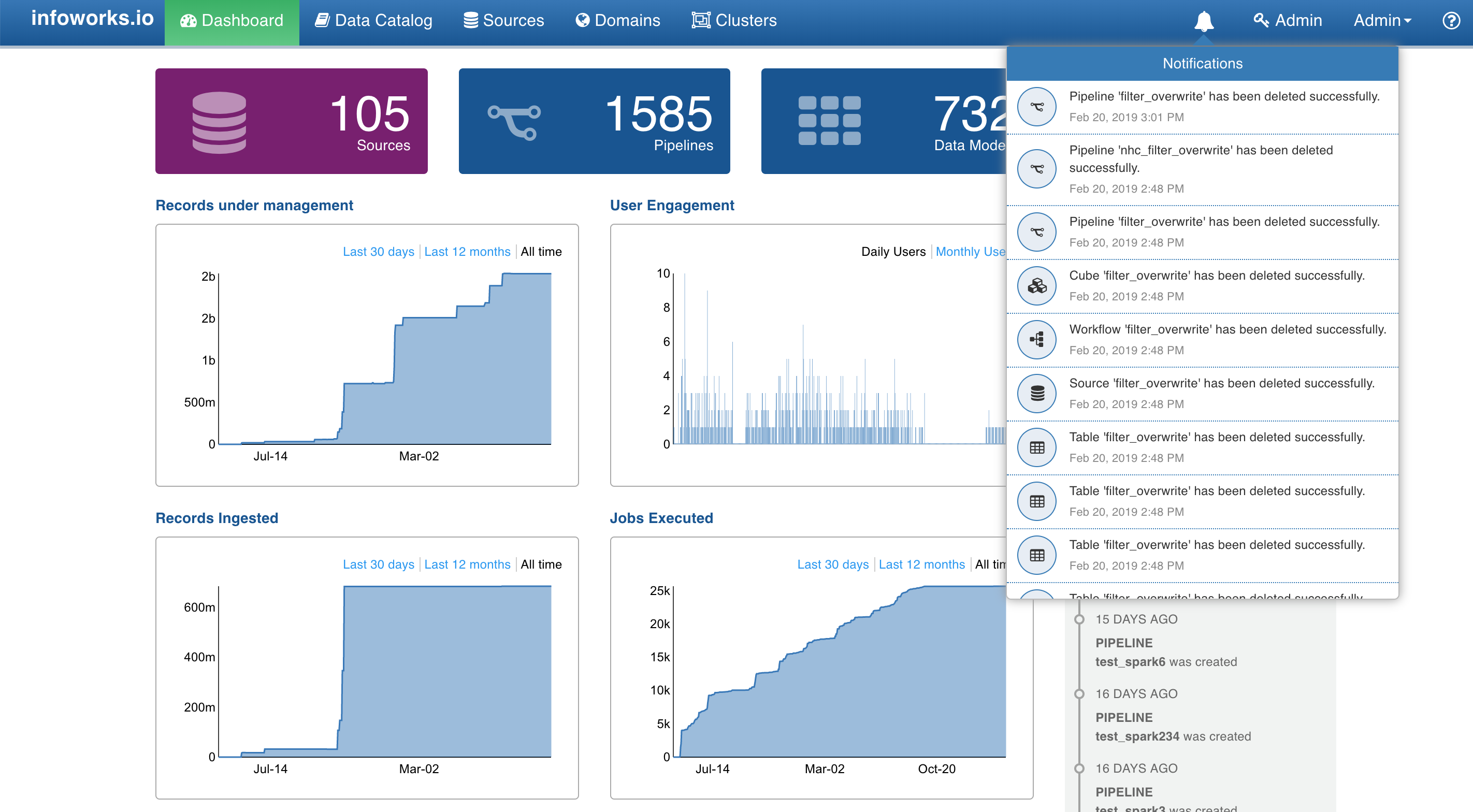
The bell icon near the Admin menu displays all the job notifications.
Profile Settings
- Login to Infoworks.
- Click the username on the top right corner of the page.
- In the drop-down list, click the Settings option.
- In the Your Profile page, you can edit the name and email ID.
- You can click the Require your auth-token option and enter the login password to view the auth token.
- You can change the login password by clicking the Change Password icon and providing the old and new passwords.
Type to search, ESC to discard
Last updated on
Next to read:
Service ManagementFor more details, refer to our Knowledge Base and Best Practices!
For help, contact our support team!
(C) 2015-2022 Infoworks.io, Inc. and Confidential
Discard Changes
Do you want to discard your current changes and overwrite with the template?
Archive Synced Block
Message
Create new Template
What is this template's title?
Delete Template
Message