
Following are the steps to schedule a cube build:
Navigate to the required cube under the Domain.
On the Design page, click the Scheduler icon. The following page is displayed.
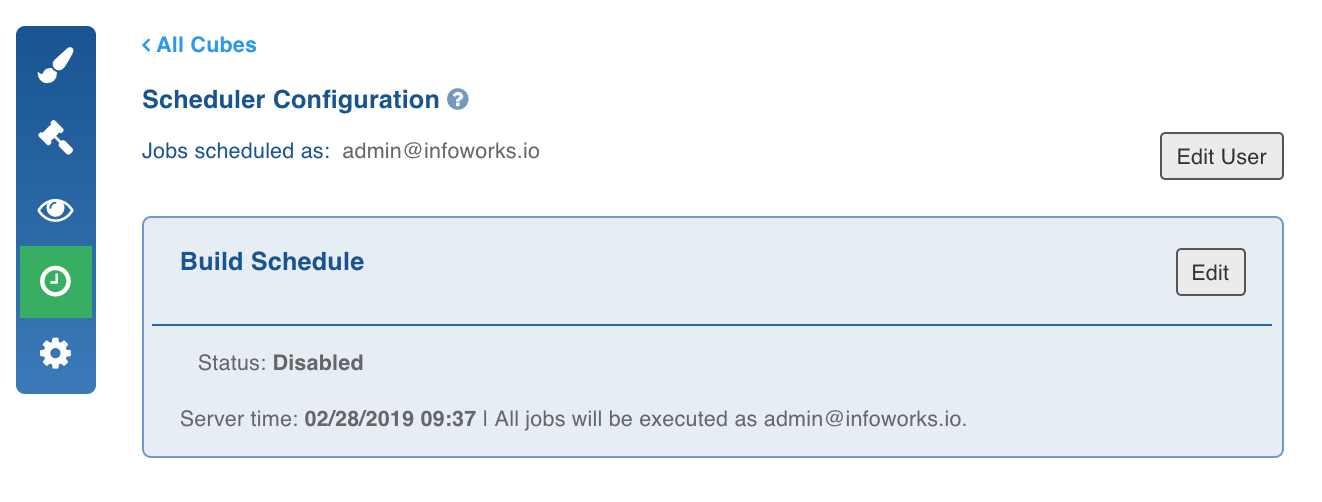
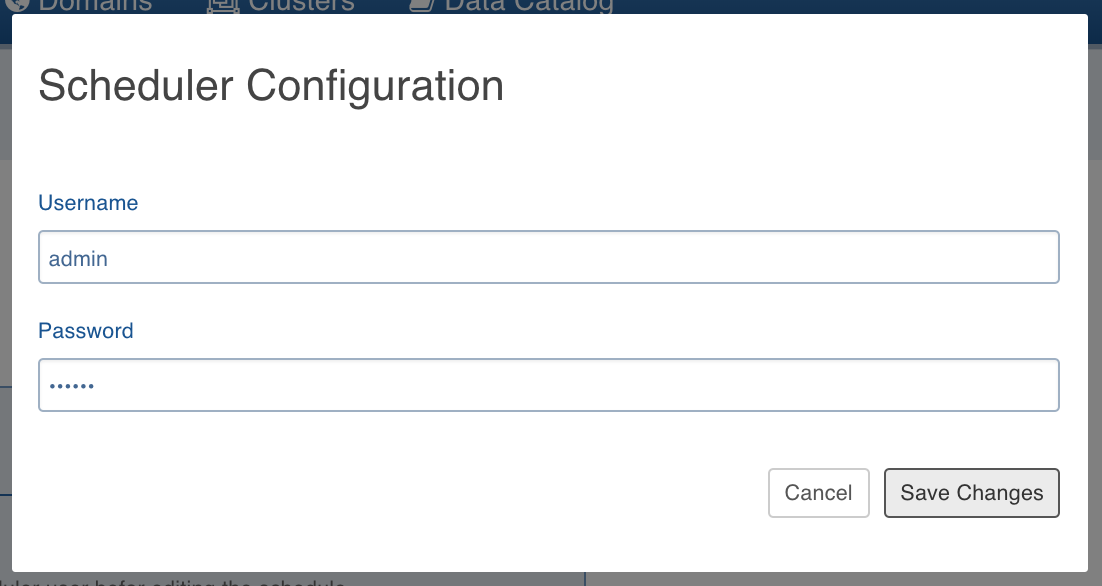
Click Edit User to set the user details and save changes.
Click Edit for the Build Schedule.
Under Status, select Enabled.
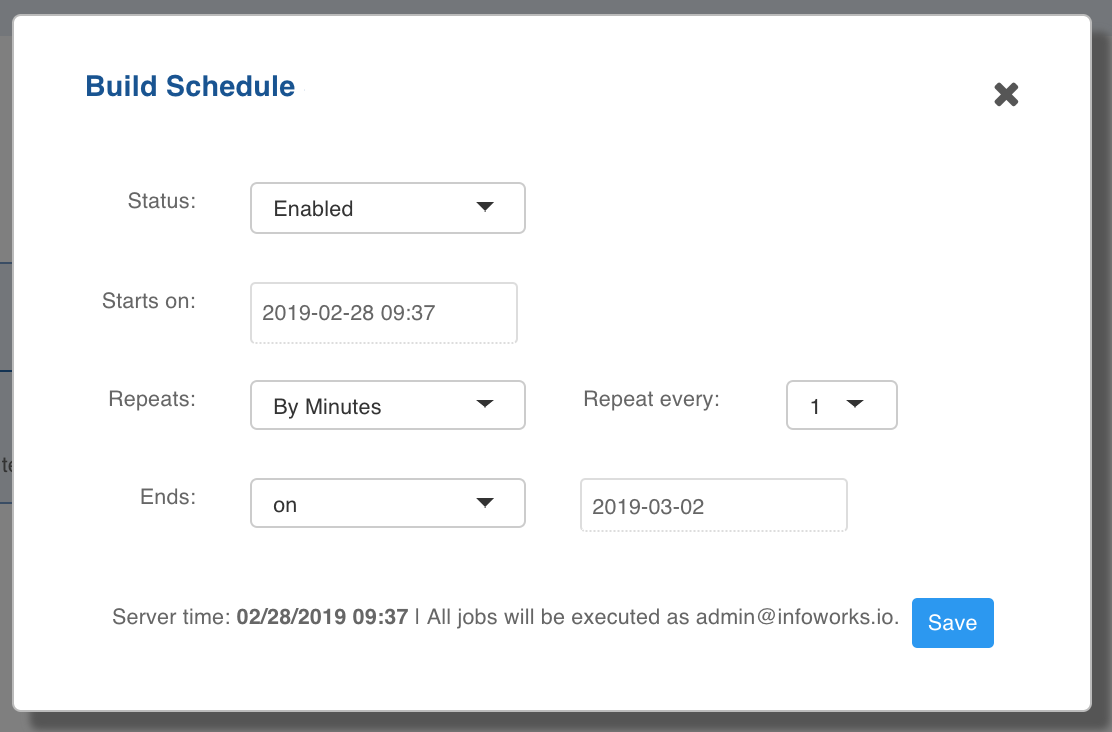
Under Starts on section, select date and time at which you want the build to occur.