
Infoworks Orchestrator workflow is created under a domain where the Cube and Pipeline artifacts also exist.
Follow these steps to add a new workflow to the domain:
Navigate to the Domains page and click the required domain.
Click the Workflows icon and click the New Workflow button.
Select Create new workflow and enter the required text in the Name and Description fields.
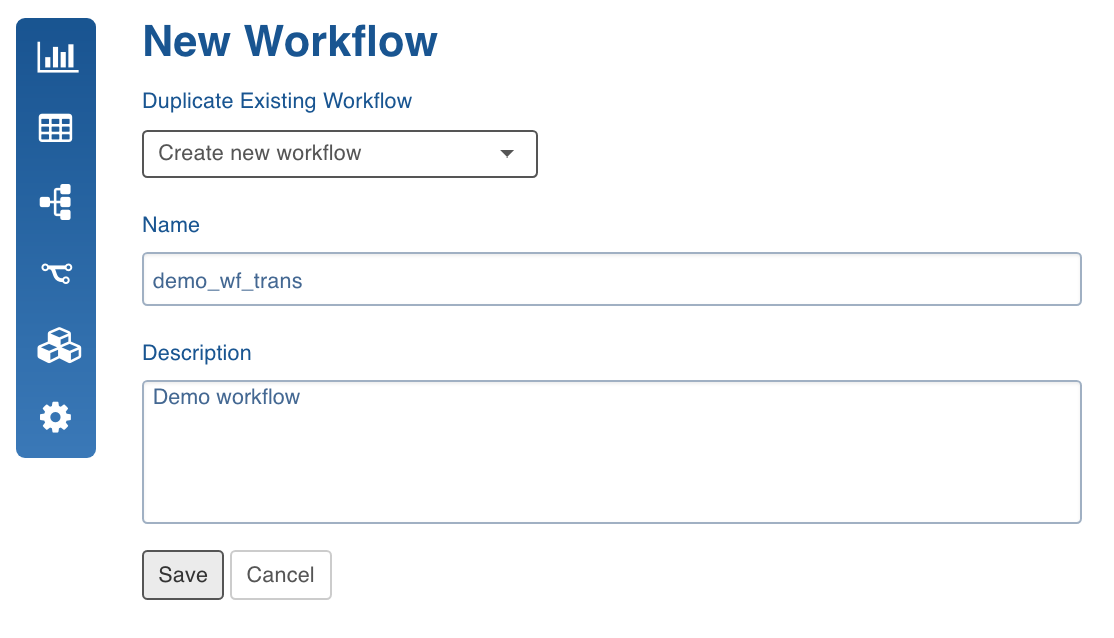
Click Save to save the changes. The new workflow gets added to the list of existing workflows.