
Following are the steps to create a cube:
Click an existing domain which has access to source tables and the pipeline tables which are required for the Cube design, which are typically facts and dimension tables. OR, Create a new domain and add the required source tables to it. The domain page containing multiple sources available to the pipelines and cubes in that domain is displayed as shown below.
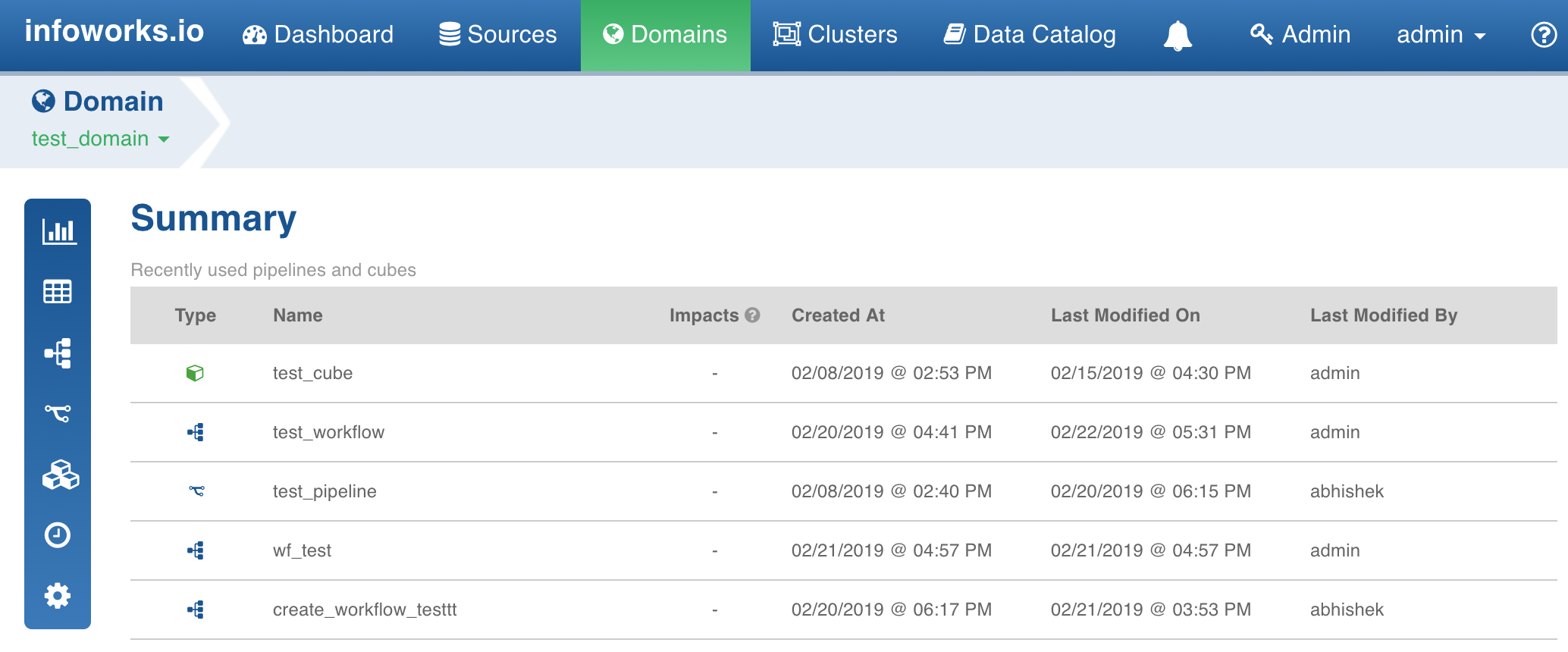
Click the Cube icon. The Cubes page is displayed with a list of existing cubes.
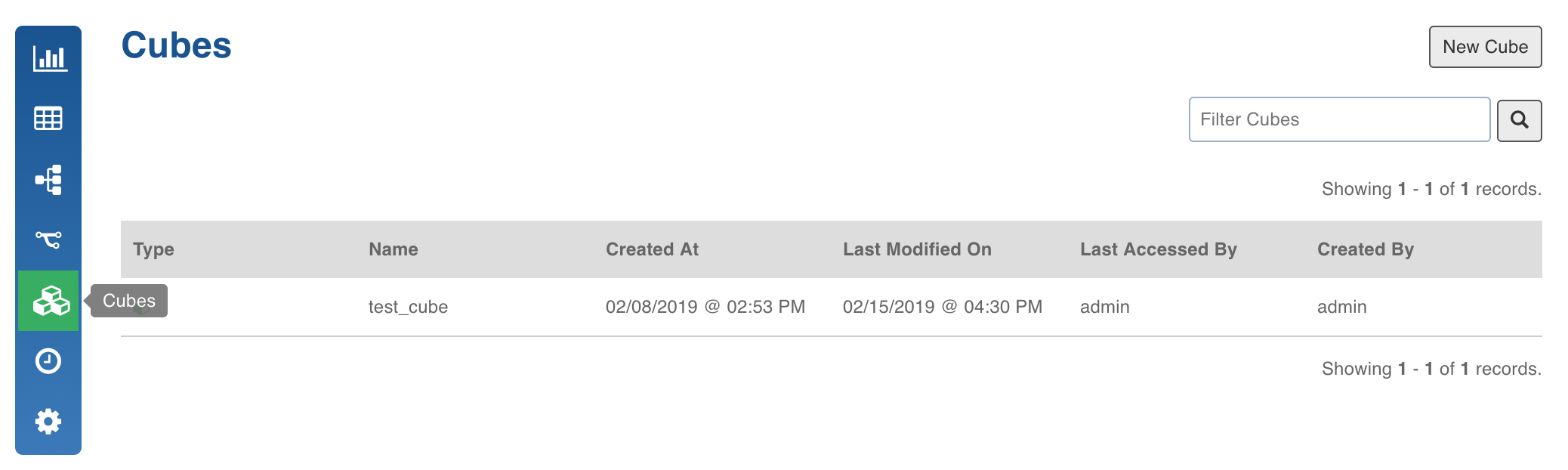
Click New Cube. The following page is displayed.
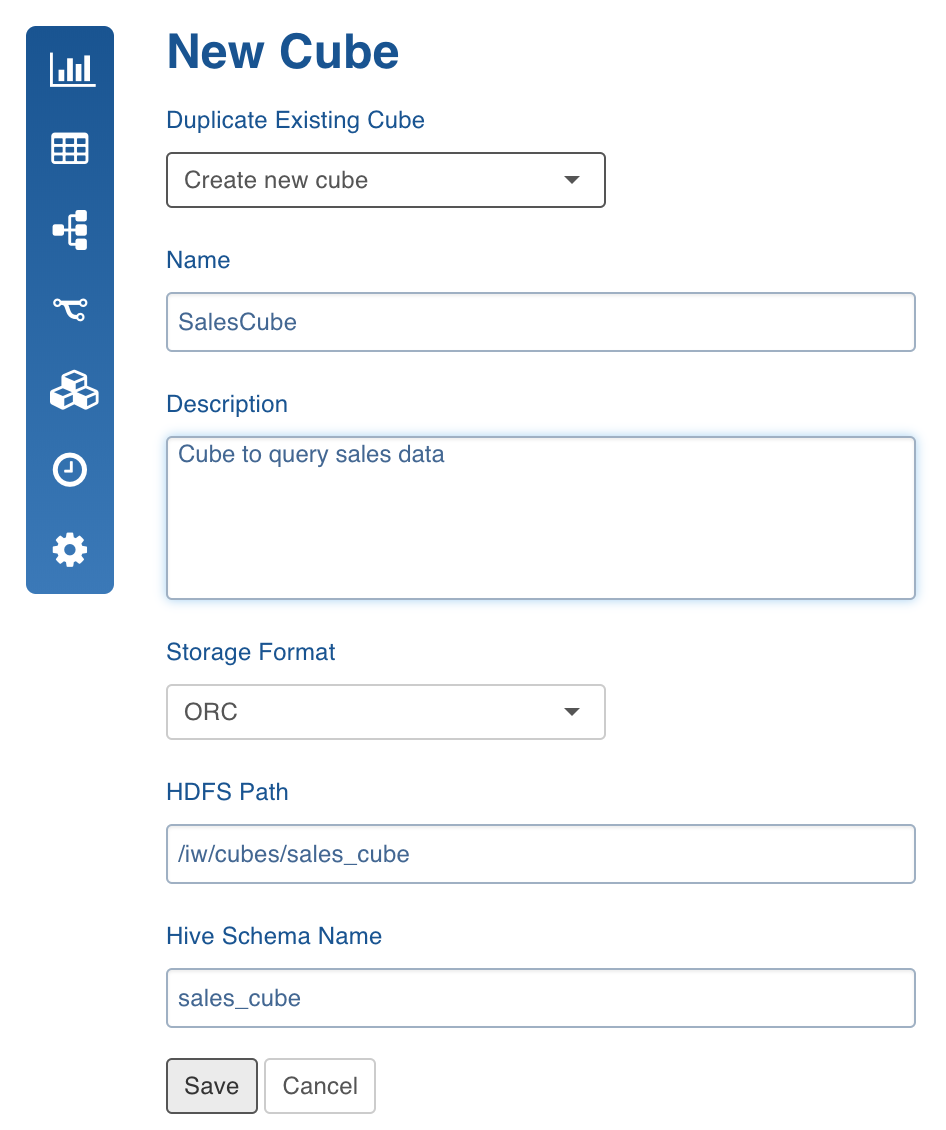
Enter the following details:
Name: Enter the cube name.
Description: Enter description, if required.
Storage Format: Select the required format in which the cube tables must be stored (ORC or Parquet).
HDFS Path: The star schema for the cube model will be saved on HDFS.
Hive Schema Name: Enter the schema name where the tables will be stored.
Click Save. The list of cubes created in the domain will be displayed.